For MacBook Pro XDR displays
Your MacBook Pro screen can go 70% brighter.
macOS just won’t let it.
Your XDR panel is rated for 1,000 nits — macOS caps everyday content at ~600. MaxCandela unlocks the difference with one click in your menu bar. Full brightness, true colors, zero setup.

How dark your MacBook Pro screen is now vs. how bright it gets
Drag the slider — the left is your screen at its normal cap, the right is the same desktop with MaxCandela on.
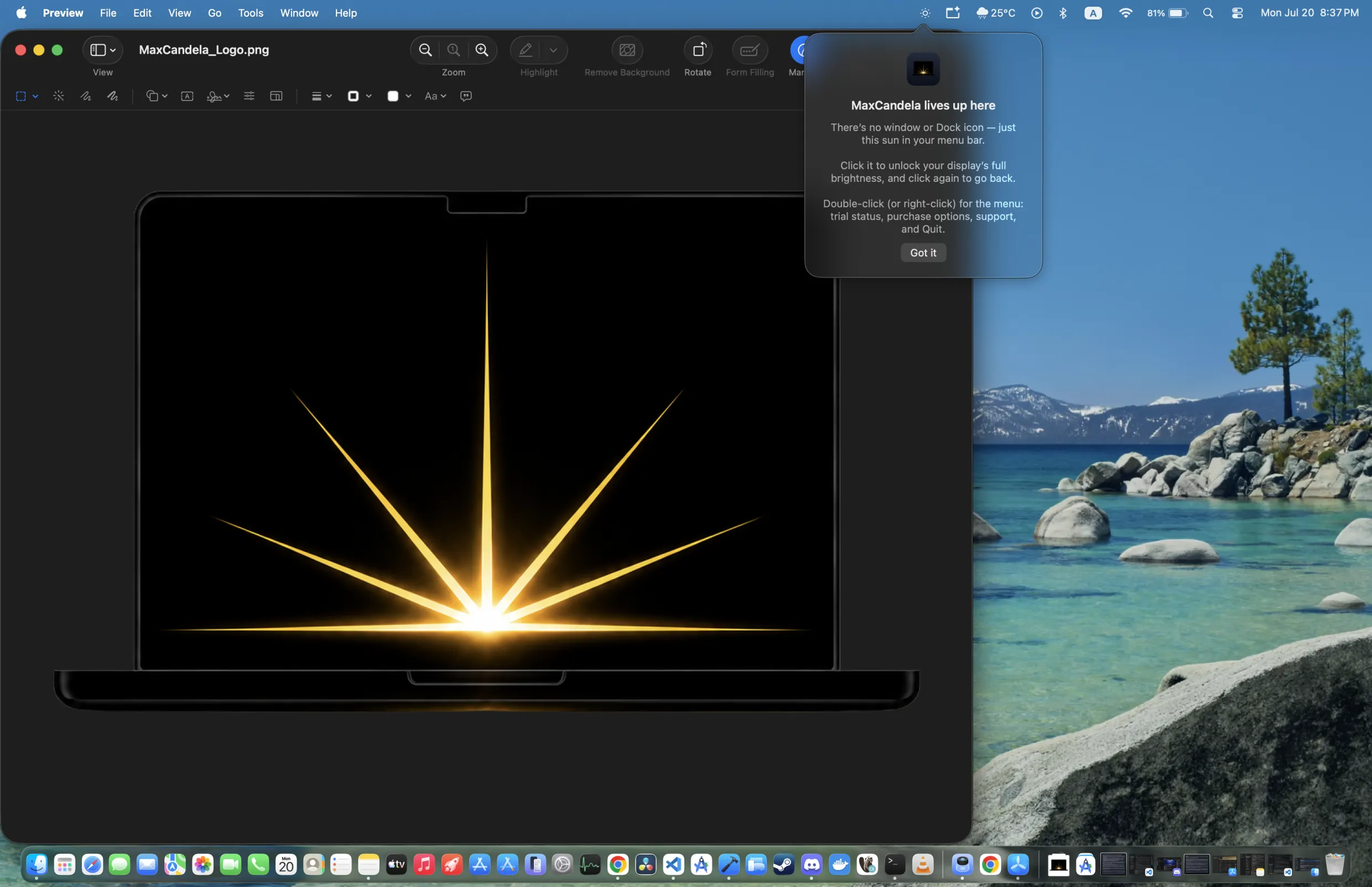
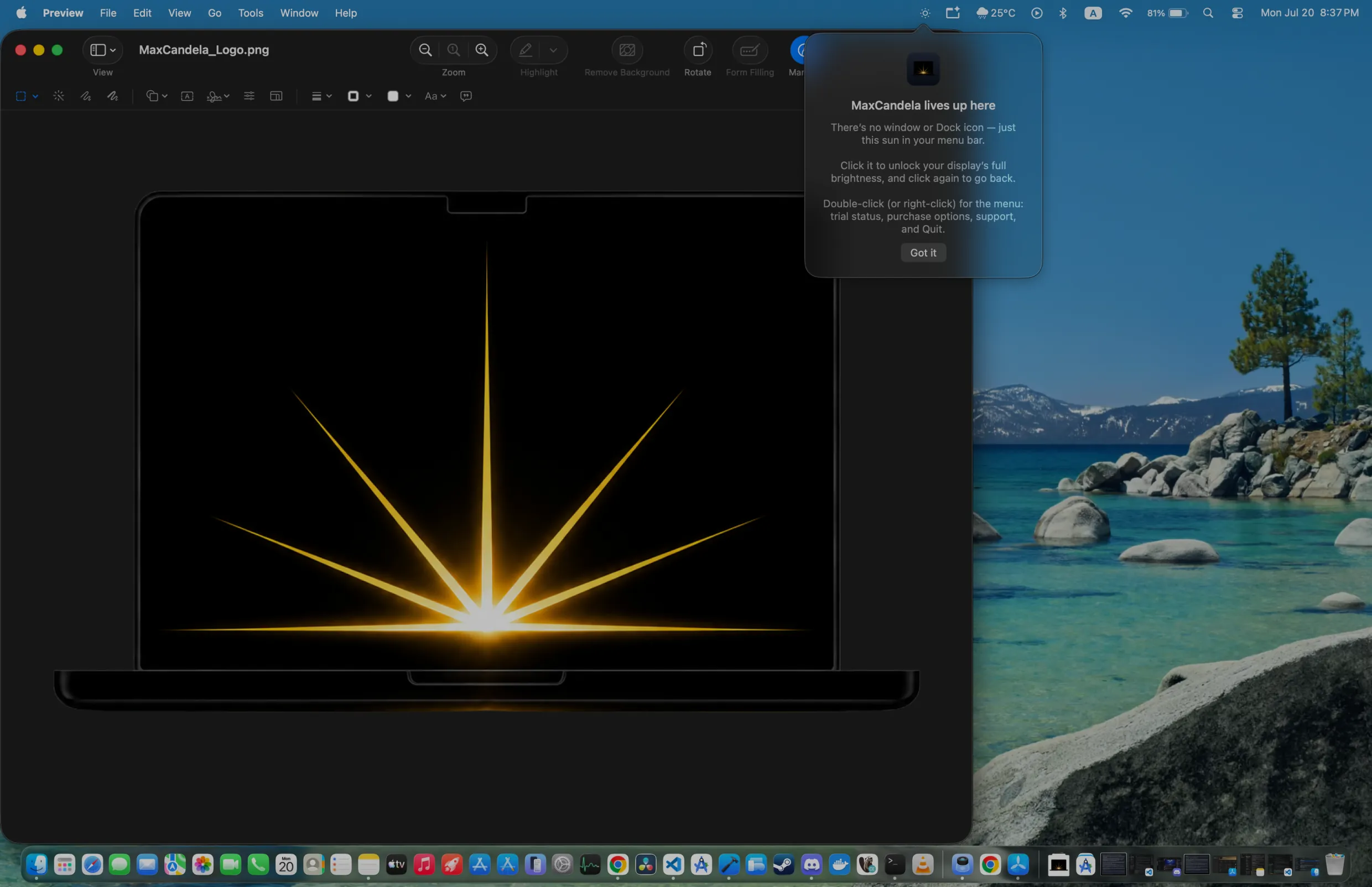
Same Mac, same wallpaper — only the brightness changes. The app boosts every app and window, system-wide.
Don’t take our word for it — try the brightness boost
This page can boost itself the same way, right in your browser. Press the button and imagine your whole Mac like this.
The web demo brightens this page only. The Mac app brightens everything, system-wide.
Built for one job: making your whole Mac brighter
Your whole Mac, brighter
The menu-bar app boosts everything — desktop, every app, every window. Not just one browser tab.
One click
A single ☀️ toggle in your menu bar. Click to unlock full brightness, click again to go back. Double-click for status, purchases and quit — that’s the whole UI.
True colors
Color-calibrated boost that preserves your display’s ColorSync profile. Brighter — never washed out.
Looks after your Mac
Never exceeds the limits macOS enforces for HDR. Because a bright screen makes heat, MaxCandela tracks how hard and how long it has been driving your display and eases the boost down as it warms — and cuts it entirely if it gets too hot, restoring it once things cool.
Nothing to configure
Follows your display’s live headroom automatically, and settles at a brightness your Mac can hold instead of running flat out. Set it, forget it.
Private by default
No screen recording, no account, no personal data. The app never sees your screen content — it only lifts it. Anonymous usage stats only, as described in our privacy policy.
Simple pricing — $9.99 once or $0.99/month
Free for 5 days, everything unlocked. Then pick what suits you. Requires a MacBook Pro 14″/16″ (2021 or later) or Pro Display XDR — check with the demo above before you buy.
Monthly
$0.99/month
- ✓ Full brightness unlock
- ✓ All future updates
- ✓ Cancel anytime in the App Store
Lifetime
$9.99 once
- ✓ Full brightness unlock, forever
- ✓ All future updates
- ✓ Pays for itself in 11 months
Purchases via Apple. One purchase covers every Mac on your Apple ID. Requires macOS 15.6+ and an HDR/XDR display (MacBook Pro 14″/16″ 2021 or later, or Pro Display XDR). Subscriptions renew monthly and can be cancelled anytime in App Store → Subscriptions; payment is charged to your Apple Account. See our Terms of Use and Privacy Policy.
MacBook Pro brightness questions, answered
Is this safe for my display?
Yes. MaxCandela uses the same HDR headroom macOS itself uses for HDR video, and never exceeds the limit the OS reports. On top of that it runs its own heat protection, because a sustained bright screen warms the panel in a way macOS doesn’t step in for on its own.
Does the screen get warm — and what does MaxCandela do about it?
It does: brightness is power, and power is heat, so a boosted display runs warmer than usual. MaxCandela keeps track of how hard and how long it has been driving your panel and steadily lowers the boost as that adds up, settling at a level your Mac can hold rather than running flat out indefinitely. If things go further — a genuinely hot machine — it cuts the boost completely and hands the display back to macOS, then brings it back once you’ve cooled down. The menu tells you which of those is happening, and you can switch the boost off yourself at any time.
When I turn the boost off, does my screen stay dimmed?
No. Turning MaxCandela off puts your display back exactly where it was — at your normal brightness, with nothing dimmed. MaxCandela never lowers your baseline; it only adds brightness on top while it’s on, then hands everything back untouched. If the screen looks a little dim for a second right after, that’s just your eyes adjusting from the brighter level — the display itself is unchanged. (The one exception is if macOS itself reports critical thermal pressure, when MaxCandela dims slightly below normal to help — and that restores itself too.)
Which Macs are supported?
You need a Mac with an HDR-capable display: a MacBook Pro 14″ or 16″ (2021 or later) with the Liquid Retina XDR display, or a Pro Display XDR — those go up to ~1,000 nits sustained instead of the usual ~600. MacBook Air, iMac, and ordinary external monitors have no HDR headroom to unlock, so MaxCandela can’t brighten them. The app tells you straight away if your display isn’t supported, and the browser demo above is an honest test — if it doesn’t brighten your screen, the app won’t either.
Will it drain my battery?
Brightness costs power — the boost uses more battery, just like HDR video playback does. Toggle it off when you don’t need it; one click.
How does the free trial work?
Download free from the Mac App Store and get 5 days with everything unlocked. The clock starts when your Apple ID first downloads MaxCandela, so open it soon after installing to get the full five days. After that, keep it for $0.99/month or unlock it forever for $9.99. One purchase works on all Macs signed into your Apple ID.
I have a promo code — how do I use it?
Redeem it at apps.apple.com/redeem, or in the App Store app on your Mac → your name → “Redeem Gift Card or Code”, using the same Apple Account. That route works for every kind of code. The ☀️ menu also has “Purchases ▸ Redeem Code…”, but Apple’s in-app sheet only takes subscription offer codes — a one-off Lifetime code has to go through the App Store. A code unlocks MaxCandela straight away: it does not wait for your free trial to run out, and it replaces the trial rather than being added on to the end of it. If the menu still shows a trial afterwards, choose “Purchases ▸ Restore Purchases”.
Why doesn’t macOS just allow this?
macOS reserves the panel’s extra brightness for HDR content to protect battery and thermals by default. MaxCandela lets you choose when everyday content deserves the same headroom.
Want the full explanation? Read how to make your MacBook screen brighter than max — why macOS caps it, and why a bright wallpaper can’t fix it. Still stuck? Our support guide covers display-by-display troubleshooting, subscriptions and promo codes.